If you’re a UI/UX designer and use any kind of laptop or macbook for your daily work, then may you have faced the situation of getting a monitor, cause it’s really hard to design with a small display. Over that, if you’re a windows user, there is a great chance that your display’s color won’t match with your smartphone’s display or any other display.
And not everyone is good at calibrating their monitors which takes a lot of patience and still shows inaccuracy with budget monitors.
So in this article, we’ll share some of steps we follow in our design team before choosing a display for design related work.
How different monitors matter for different design domains?

Choosing a monitor/display is not an easy task in a market where most of the people go for numbers & features over color accuracy & color gamut. If you’re a hobbyist designer you can have any basic panel to design and showcase your work as it’s not professional.
But if you’re a professional Graphic Designer, then you can simply do that cause you have to take care of colors while printing also.
Same story goes with Product Designers where they have to take colors which will be viewed on thousands of screens.
Similarly for video editors and Color grading artists, they need to have access to the best in class monitors in terms of color production and resolution so that they would be able to handle hi-res footages with 10-12bit colors at least.
Is panel type and color accuracy a top priority for UI/UX Design ?
It depends on
Your Budget
Scale of the product that you’re working on
Reputation of the brand
But generally Yes, it’s a top priority. Cause there are multiple types of panels involved & it’s the panels which affects colors the most.
If you’re using a TN color panel, then you need to set your viewing angle to absolute perfect to get an average level of color accuracy. But if your users are using a IPS panel, then viewing angles doesn’t matter them that much & the colors they’ll be seeing will be much different from what you’re seeing from a TN panel.
And now a days most smartphone screens are either POLED or AMOLED, which are far superior in terms of color & greyscale accuracy than any other display tech.
Types of Panels to choose on your budget
TN Panel
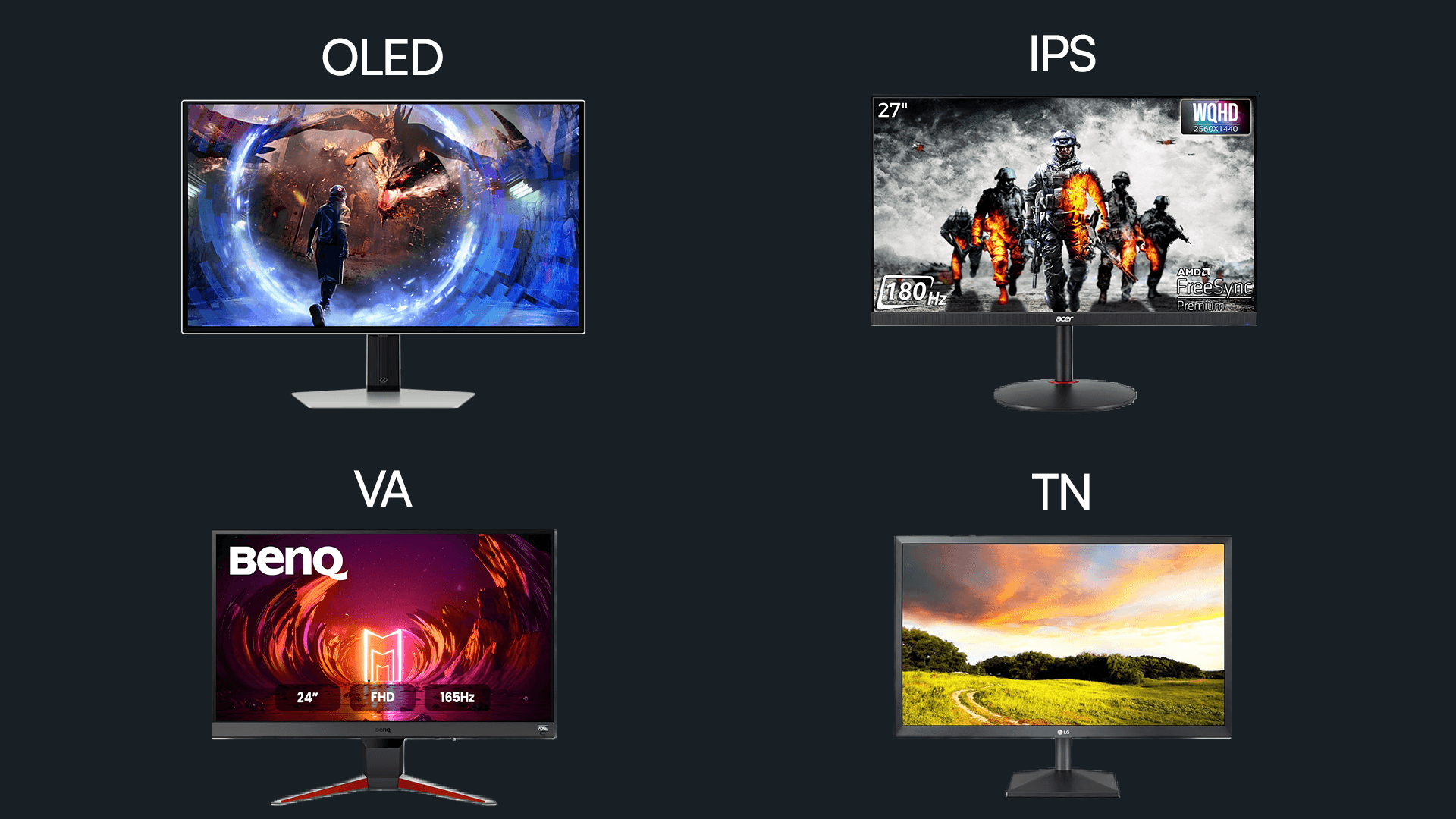
These are the budget panels which are advertised as daily use monitors with fastest response time & a bunch of number jargons. But in reality, these type of panels should be avoided as a designer due to their bad viewing angles and colors.
VA Panel
These are technically superior than TN Panel, viewing angles and color accuracy is better. But price to performance of this kind of displays is not good.
IPS, AH-IPS Panel
These are currently one of the most used panels & also been used as displays in smartphones. These provide far better viewing angles and color accuracy. With this kind of displays, you can find monitors supporting multiple color gamuts such as sRGB, REC.709, Display P3 & more.
But as they’re popular , they also marketed well in the industry with a bunch of features which are unnecessary for designers such as response time, Game mode & more.
If you’re in budget always choose a monitor with atleast 99% sRGB gamut & if you can stretch your budget then choose a monitor with Display P3 gamut support.
Keep in mind that IPS panels leaks a bit of light with dark background. So choose a panel with minimal light leakage.
OLED, QLED, MiniLED & Others
These are much advanced display panels which are pricey but provide the most accurate color information, viewing angles, greyscale balance. Also most smartphone brands currently use OLED displays as standard. So choosing these type of panels will make sure that you’re having a display with great potential.
Color Calibration
(Img source: Asus)
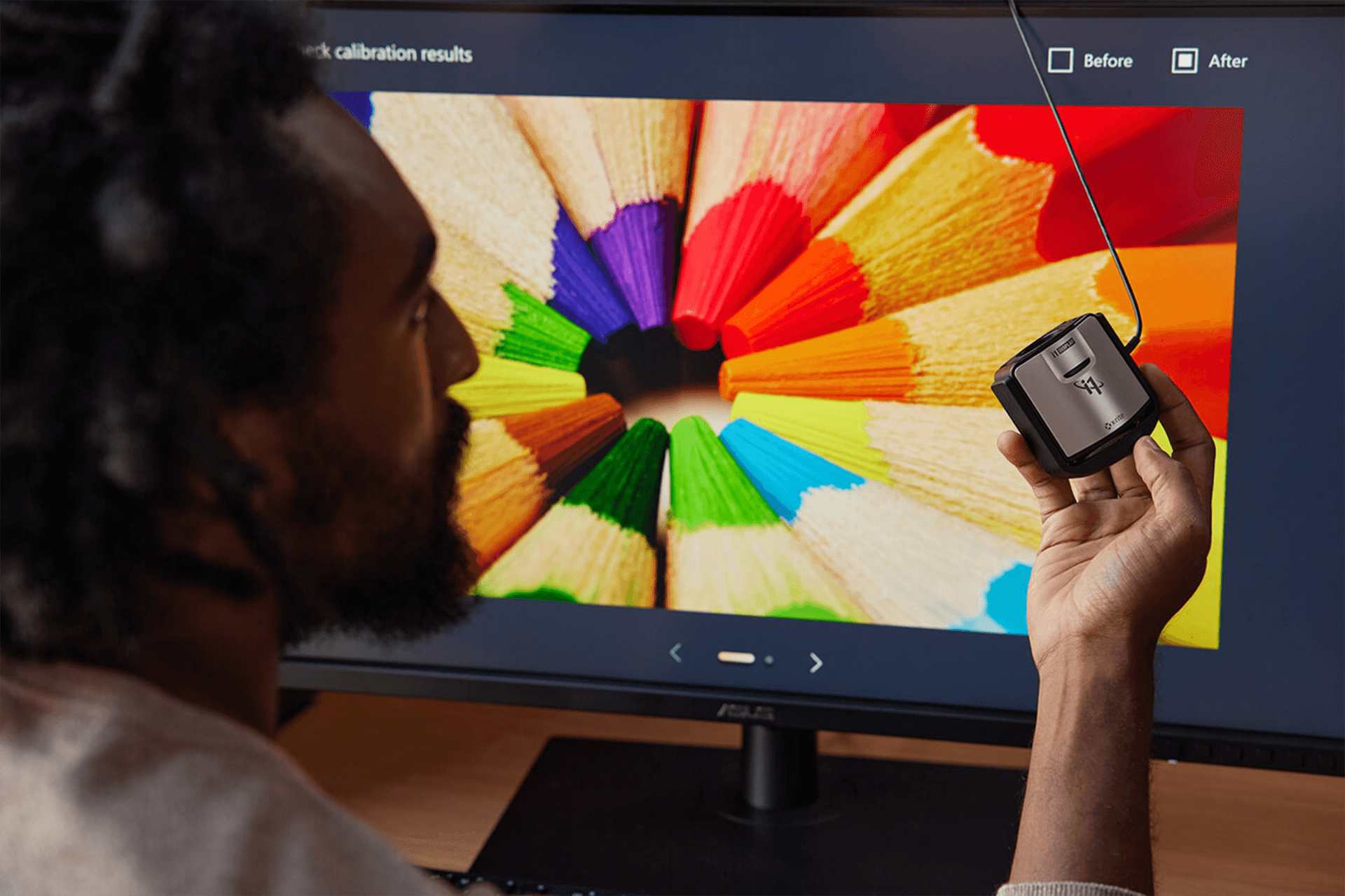
This is where many designers get frustrated even after having most advanced display tech. The problem is, we design screens as per our/product’s use case. The display manufacturer’s usecase is to provide an accurate display to smartphone brands which does have great potential to tune it’s colors.
But companies which targets general customers, always provide a display tuning or color tuning which will be 5-6% different than it’s competitor. It can be more saturated, can have a bit of cool tint or warmth etc.
So even after using the best monitor available, you can’t expect your designs to produce the same color with every device. It may be 5-6% different, but it’s different.
The workaround to this problem is, even if your display is Pantone or Calman certified, you have to manually set a similar brightness in both your monitor and target display & then find a middle ground by tuning your monitor’s color profile.
And if you’re into Apple ecosystem, use sidecar to use your iPad as a secondary display to check colors. As Apple uses similar panels and color profiles in most of its products, this would be much more helpful for you.
Resolution and Refresh Rate

As a designer, resolution matters more than refresh rate. Always try to have atleast a 2K or 4K display. It helps you see more details and improves your productivity. Refresh rate doesn’t matter that much, unless you’re also into gaming or motion design work.
Conclusion
Choosing a monitor is a long term investment. So always try to have the best possible display in your budget. It’ll not only help you produce better designs, but will also save your eyes from extra strain.
Frequently Asked Questions
1. Why is color accuracy important for UI/UX designers?
A. Color accuracy ensures that the colors you see on your monitor are the same as what your users will see on their devices. It helps you maintain consistency and brand identity across different platforms.
2. What is the best panel type for UI/UX designers?
A. IPS and OLED panels are the best for designers due to their superior color accuracy and viewing angles. Avoid TN panels as they have poor color production and viewing angles.
3. Does resolution matter for UI/UX design?
A. Yes, resolution matters a lot. A higher resolution monitor like 2K or 4K allows you to see more details and provides a larger workspace, which can significantly improve your productivity.